You’re using AI.But are you getting as much from it as you could?
You’ve probably heard the promises.
AI will save you hours. Help you get more done. Make your work easier. Maybe even change the way you run your business or do your work.
And there’s truth in that.
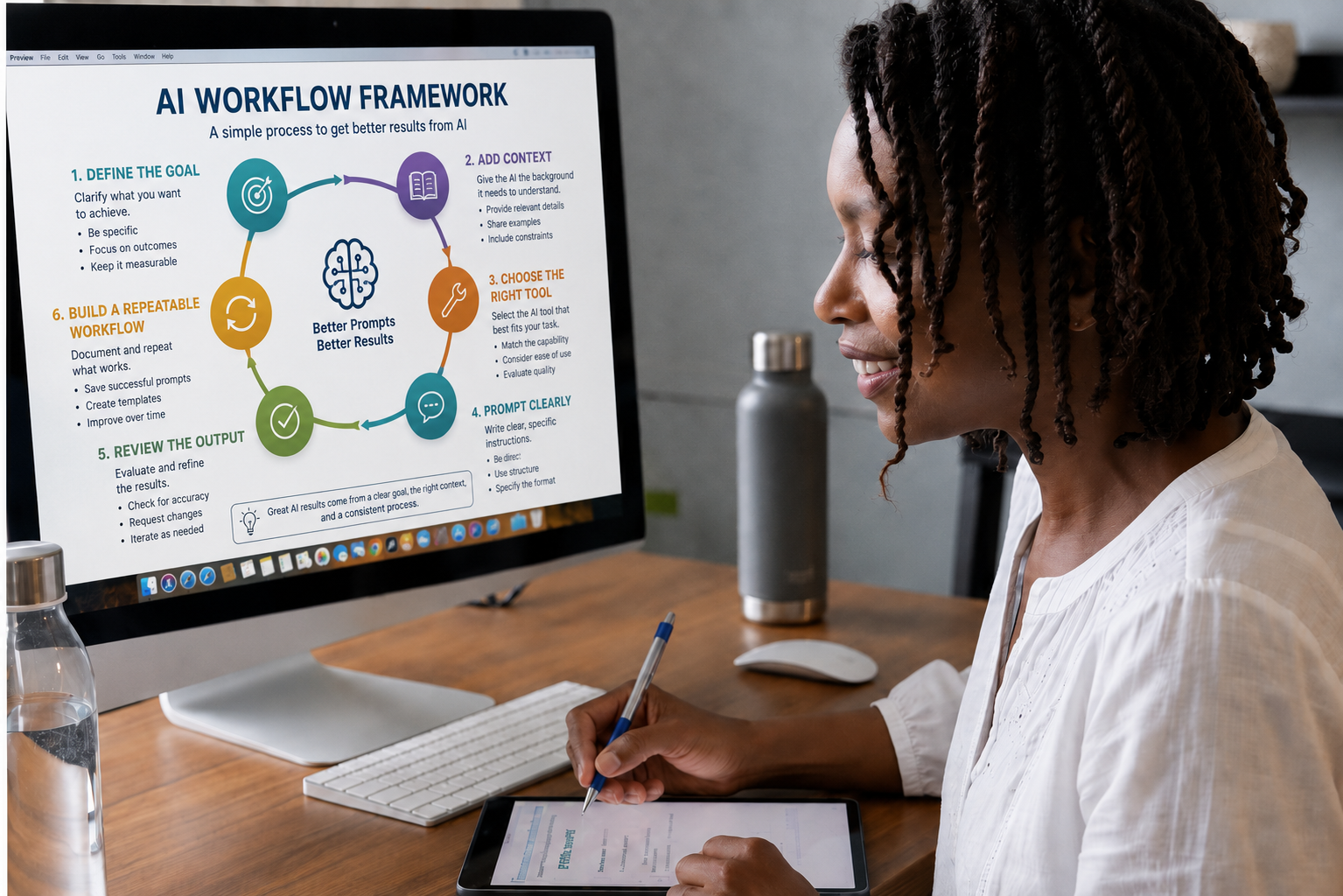

Sometimes you get something great.
Other times the answer is generic. You spend more time trying to explain what you meant. You rewrite half of what it gave you. Or you’re not quite sure whether you should trust the answer in the first place.
Meanwhile, somebody online is telling you there’s another tool you need to learn.
- ChatGPT
- Claude
- Gemini
- Agents
- Automation
- Video tools
- Image tools
It can start to feel like keeping up with AI is becoming another job.
It doesn’t have to be.
You don’t need to learn every new tool.
You don’t need to automate everything.
And you don’t need to become an AI expert just to get real value from it.
You don’t need more AI in your life just because it exists.
You need the parts that are useful to you. Enough understanding to know what deserves your attention, and what you can ignore.
And a way to use these tools that gives you back time and capacity, instead of creating one more thing to manage.
What helps is understanding enough to know:
- What can this actually help me do?
- How do I get a better result?
- What information does it need from me?
- What should I be careful about?
- And when is a new tool or capability actually worth my attention?
That’s what these workshops are designed to help you figure out.

Understanding first. Then only as much complexity as you actually need.
I’m Camara Randolph. I teach this as a business owner and trainer who had to figure out what mattered, cut through what didn’t, and put these tools to work on real work.
Plain language
No jargon for its own sake. If a term matters, I’ll explain it.
Real examples
You’ll see how this works on the kind of work you actually do.
A conversation, not one perfect prompt
You’ll learn to refine and redirect, not memorize formulas.
Your judgment stays in charge
AI can sound confident and still be wrong. You’ll know when to check.
No chasing every tool
We focus on what’s useful. You get permission to ignore the rest.
The simplest useful solution
Before adding complexity, we ask whether something simpler already works.
“The goal is not to make AI impressive. The goal is to make it useful.”
Start with understanding.
If you’re still trying to make sense of all of this, that’s where we start.
Not with automation. Not with a giant list of tools. And not with 100 prompts to copy and paste.
We start with what AI is, what it can do, where its limits are, and how to work with it more effectively. Because using AI and knowing how to use AI well are two different things.
You’ll learn:
- ✓What AI actually is, explained in plain language
- ✓What tools like ChatGPT and Claude can and cannot do
- ✓How AI can help with writing, research, planning, decisions, documents, organizing information, and thinking through problems
- ✓How to give AI clearer instructions so you get more useful responses
- ✓Why context matters, and what kind of information helps AI understand what you need
- ✓How to keep the conversation going, redirect a weak response, and improve it instead of starting over
- ✓How to recognize when an answer needs to be checked or verified
- ✓What to consider before sharing personal, confidential, or sensitive information
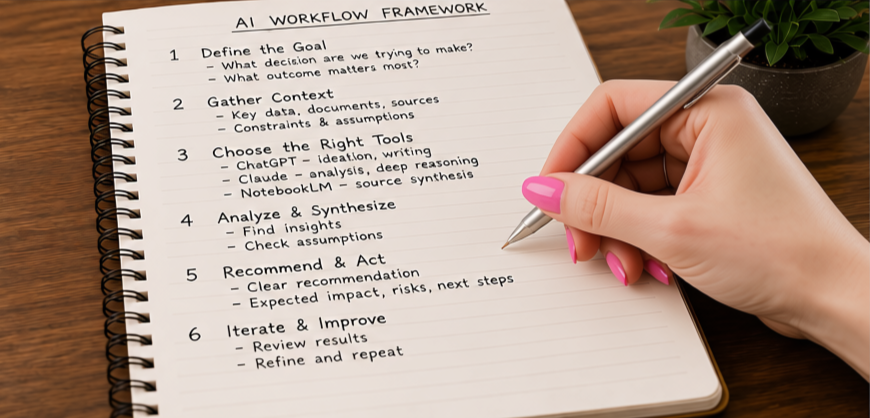
And we won’t just talk about it in theory. You’ll see examples like these:
What context changes
Ask AI to “write a follow-up email” and you get something generic. Tell it who the person is, what you discussed, and what you want to happen next, and the draft sounds like you wrote it.
One tool, very different work
The same chat in ChatGPT or Claude can help you plan your week, compare two options, draft a proposal, or prepare for a difficult conversation.
From generic to relevant
Instead of starting over on a bland first draft, tell AI what’s off (too formal, wrong audience, too long) and watch it improve.
Thinking, not just writing
Lay out a decision you’re weighing, ask AI to poke holes in your reasoning, and see what you might be missing.
Working with information
Hand AI a long document or your meeting notes and ask for the key points, the open questions, and the next steps.
Small changes, big difference
One sentence about your role and goal, or an example of what good looks like, often does more than any prompt formula.
The goal is for you to leave thinking:
“Okay. I understand this better now. I know how to use it, what to look out for, and where it could actually help me.”
That’s AI Fundamentals. You’ll also leave with a reusable context profile: the background AI needs about you and your work, written once and used every time.
See dates and register ↓And then there’s the next problem.
Maybe you already know how to use AI. You’re getting decent answers. You use it for writing, planning, research, ideas, or other parts of your business or your work.
But you’re still doing a lot of this:
- Starting over.
- Repeating the same instructions.
- Re-explaining your business or your work.
- Uploading the same information again.
- Digging through old conversations for something useful you did last week.
ChatGPT can take on more of the work now.
Most of us learned to use ChatGPT one task at a time.
- Write this email.
- Summarize this document.
- Give me some ideas.
- Help me think through this.
That’s still useful. But what’s possible now is much bigger.
Instead of helping with one little piece at a time, ChatGPT can take in your information, do the research, work through several steps, and bring you back a report, plan, comparison, draft, or other finished piece of work to review.
That matters because you no longer have to personally carry every step of the work. You can begin handing off larger pieces of it.
For example, you might use AI to:
- ✓Research competitors and bring back a comparison of their offers, pricing, positioning, and opportunities to consider
- ✓Turn meeting notes into action items, follow-up drafts, next steps, and an updated project brief
- ✓Review a month of content and give you a gap analysis, revised themes, and a 30-day plan
- ✓Research grants, events, partnerships, RFPs, prospects, or other opportunities and organize them for your review
- ✓Pull sales activity, customer themes, and business information into a weekly briefing
- ✓Turn notes, source material, and research into a presentation, proposal, or report
- ✓Review your website or another business asset and flag what needs attention
- ✓Create or improve a calculator, dashboard, resource, or internal tool that supports work you do repeatedly
This is where AI starts to change your capacity.
“How can AI help me with this one task?”
“What part of this work can I hand off?”
That’s the shift we’ll explore in Build With AI.
What makes this possible
Today, ChatGPT can work with your files, keep ongoing work together in Projects, do deeper research, reuse context, connect to tools and information you already use, and handle more than one step at a time.
These aren’t just features to learn. They’re different ways to give AI more of the information and access it needs to actually take on useful work.
Research it
Find and compare current information: competitors, vendors, prospects, opportunities, trends, or market changes.
Pull it together
Work across your files, notes, meetings, source material, and other information.
Analyze it
Find patterns, gaps, risks, opportunities, and what deserves your attention.
Produce it
Turn the work into a report, presentation, proposal, plan, briefing, spreadsheet, or other usable deliverable.
Work across tools
Connect ChatGPT to information and tools you already use instead of moving everything back and forth by hand.
Build it
Create or improve lightweight tools, dashboards, calculators, resources, websites, or other useful digital assets.
DEMONSTRATIONS USE CHATGPT
Many of the underlying principles apply across AI platforms, but we’ll use ChatGPT as our primary example so we can go deeper without trying to teach several interfaces at once. Some of these capabilities may require a paid ChatGPT plan. You’ll see what they do before deciding whether an upgrade is worth it for you.
The questions we’ll work through
- What work am I still doing manually that I could hand off?
- What could AI research, prepare, organize, analyze, or build for me?
- Which ChatGPT capability makes sense for that work?
- What information, context, or access does AI need to do it well?
- Where do I need to stay in the loop and review the result?
In Build With AI, you’ll learn:
- ✓What ChatGPT can take on now, beyond a basic chat
- ✓How to spot work you’re still doing manually that you could hand off
- ✓When a regular chat is enough, and when Projects, files, deeper research, or connected tools fit better
- ✓What information, context, or access AI needs to do the work well
- ✓How to set up reusable context so you stop re-explaining your business or your work
- ✓How to connect ChatGPT to the tools and information you already use
- ✓Where to stay in the loop and review what AI brings back
- ✓How to choose the simplest useful solution before adding complexity
THE OUTCOME
You leave with specific work you can begin handing off to AI, and a plan for using ChatGPT to take more off your plate.
For a solo business owner, that may mean freeing up time without simply adding more hours to your day.
For a team, it may mean shifting repetitive or time-consuming work away from people so they can focus more on customers, judgment, relationships, creativity, and decision-making.
The goal isn’t just to do the same work a little faster. It’s to hand off work that used to require your time and attention.
And the goal isn’t to add more AI to your work. It’s to use AI to make the work you’re already doing easier. No coding, no automation builds, no apps.
See dates and register ↓Which workshop sounds like you?
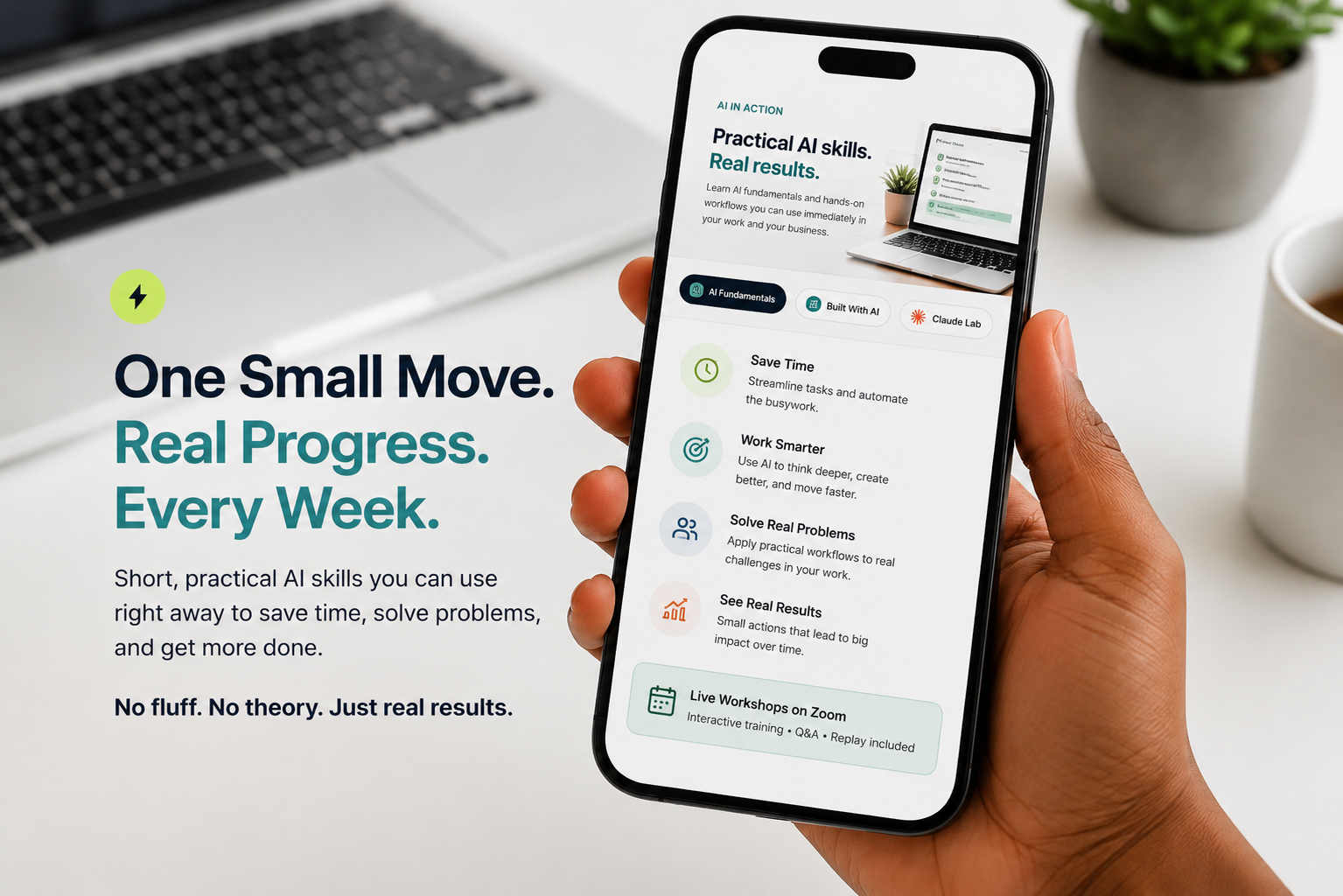
Both are live, two-hour trainings on Zoom, Tuesdays from 6:30 to 8:30 PM Eastern, with a replay included.
“I’m using AI, but I still feel like I’m figuring this out.”
Come to AI Fundamentals if you want to:
- ✓Understand what AI can realistically help you do
- ✓Get better, more relevant responses
- ✓Understand prompting without complicated formulas
- ✓Learn why context matters
- ✓Know how to improve a weak first response
- ✓Understand privacy, accuracy, security, and what not to blindly trust
- ✓See real examples that connect AI to your own life and work
THE OUTCOME
You leave understanding AI better and feeling more confident about how, when, and why to use it.
Plus a reusable context profile you can bring into any AI tool. And no, this isn’t a beginner-only class. Plenty of people who use AI every day come to get more out of it.
Tuesday, Nov. 10 · 6:30–8:30 PM ET
See registration options ↓“I know how to use AI. I just don’t want to keep starting over.”
Come to Build With AI if you want to:
- ✓Hand off research, preparation, analysis, and first drafts to ChatGPT
- ✓Find work you’re still doing manually that AI could take on
- ✓Know which ChatGPT capability fits the work
- ✓Stop re-explaining yourself with reusable context
- ✓Connect ChatGPT to the tools and information you already use
- ✓Free up time without simply working more hours
THE OUTCOME
You leave with specific work you can begin handing off to AI, and a plan for using ChatGPT to take more off your plate.
The goal isn’t just to do the same work a little faster. It’s to hand off work that used to require your time and attention.
Demonstrations use ChatGPT.
Tuesday, Nov. 17 · 6:30–8:30 PM ET
See registration options ↓Choose how you want to register.
Choose one workshop for $99, or register for both for $179 and save $19. Every session is live on Zoom, Tuesdays from 6:30 to 8:30 PM Eastern.
AI Fundamentals
Understand AI better and use it with more confidence.
- ✓Clearer direction and better context
- ✓Better, more relevant responses
- ✓Know what’s safe to share and how to check accuracy
- ✓A reusable context profile
- ✓Live workshop and replay included
- ✓Live Tuesday, Nov. 10, 6:30–8:30 PM ET
Build With AI
Start handing off research, preparation, analysis, and drafts to ChatGPT.
- ✓Find work you can hand off to ChatGPT
- ✓Projects, files, research, and reusable context
- ✓Connect ChatGPT to tools you already use
- ✓Stop starting from scratch every time
- ✓Live workshop and replay included
- ✓Live Tuesday, Nov. 17, 6:30–8:30 PM ET
Both Workshops
Understand AI better, then build it into the way you work.
- ✓Access to both live workshops
- ✓AI Fundamentals first, then Build With AI
- ✓Replays for both workshops included
- ✓Tuesdays, Nov. 10 and Nov. 17, 6:30–8:30 PM ET
Real people. Real results.
People leave with more than information. They leave more confident, with a clearer sense of how AI fits into their work and their lives.
“I was honestly concerned the advanced course might be over my head—but the material was presented so clearly and thoughtfully that I never felt lost or overwhelmed. By the end, I felt fully equipped to start implementing AI into my daily workflow.”
“She breaks down complex concepts into something you can actually understand and use right away. I walked away with practical ways to start integrating AI into my day-to-day work — which already feels like a game changer.”
“Wow! This is so helpful. I’m already using custom GPTs to write property descriptions that really pop. I had no idea I could train AI to sound like me and know my business inside and out.”
“The class was a game changer. It helped me understand what AI is, how to use it the right way, and how to make it work for me instead of feeling overwhelmed. When I started college, I already felt prepared and confident using AI tools to support my learning.”
“This workshop blew my mind. I had no idea AI could help me build workflows, reach clients with complex health information, and save hours every week. I left with tools I could actually use the same day.”
Live workshops, not pre-recorded courses.
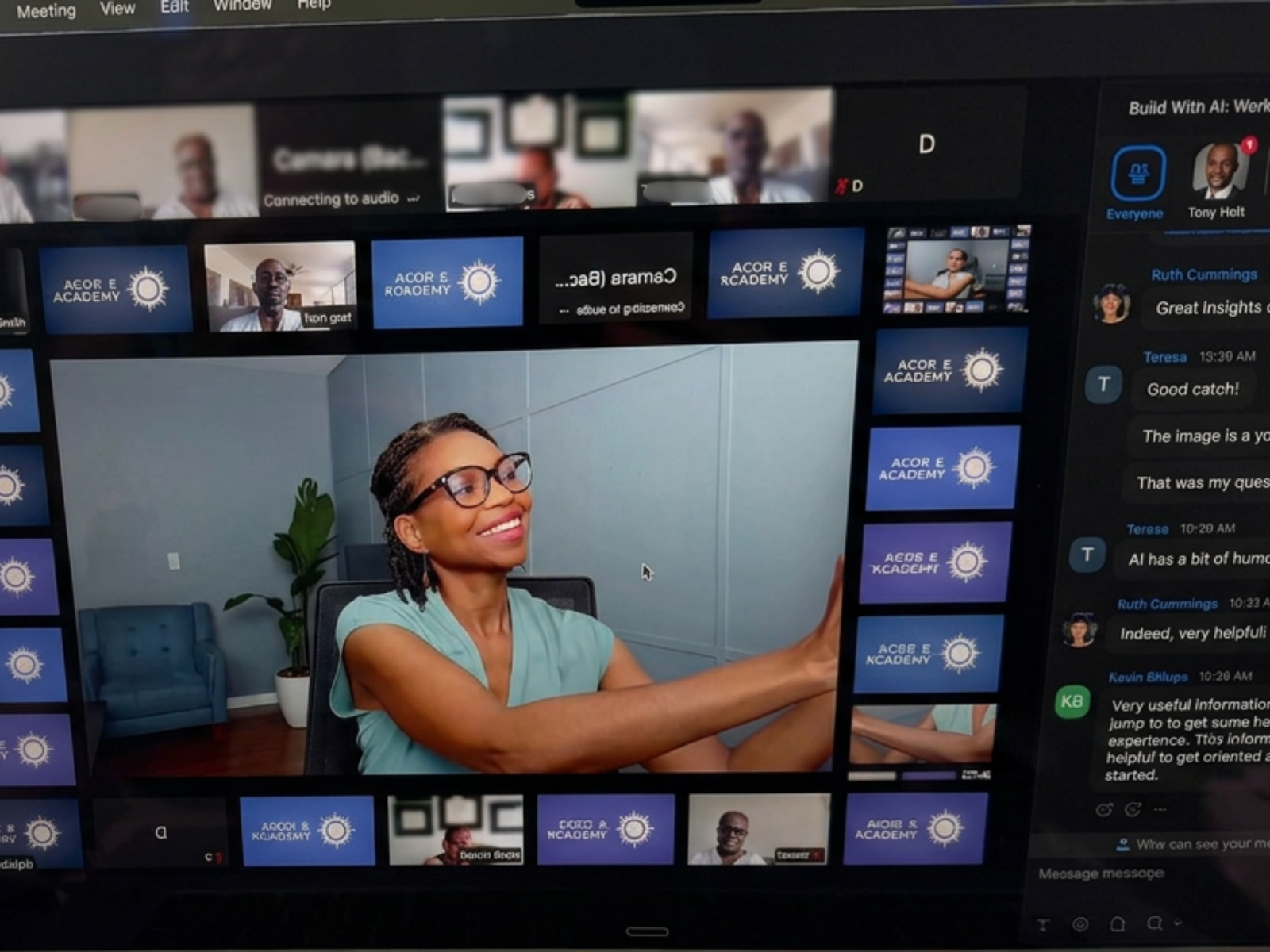
Every session runs live on Zoom, with real demonstrations, live Q&A, and real conversations with other people working through the same questions you are.
Can’t make it live? The replay is included, so you won’t miss what happens in the room.
- Live demonstrations
- Live Q&A
- Guided exercises
- Real conversations
- Replay included
Questions you might be asking
Is AI going to create more work for me?
It shouldn’t. We focus on where AI actually saves you time or effort, and on recognizing when it doesn’t.
Will I spend more time prompting than doing the task myself?
Not once you know what AI needs from you. A little context up front usually beats rewriting a generic answer three times.
How do I keep the output from sounding generic?
Mostly with context and examples: who it’s for, what you’re trying to accomplish, and what good looks like. That’s a big part of AI Fundamentals.
Do I need to learn every platform, or understand agents and automation?
No. We work mostly in ChatGPT and Claude, and you’ll learn how to tell when a new tool or capability is actually worth your attention.
Am I falling behind?
Probably less than it feels like. You don’t need to keep up with everything. You need to get good at the parts that are useful to you.
Which workshop should I take first?
If your results still feel hit-or-miss, start with AI Fundamentals. If you already get consistent value and mostly want to stop starting over, start with Build With AI. Or take both.
I mostly use Claude or another AI tool, not ChatGPT. Is Build With AI still worth it?
Yes. We’ll demonstrate in ChatGPT, but the approach carries over: figuring out what work you can hand off, what information and access the AI needs, and where you should review what comes back. Claude and other platforms offer many similar capabilities, like projects, working with your files, research, and connections to other tools, so you’ll be able to apply what you learn in the tool you already use.
Do I need to be technical or know how to code?
No. Both workshops are built for business owners and professionals, not developers. Build With AI is not a coding or automation class.
Do I need paid versions of the tools?
Not for AI Fundamentals. You can follow along with the free versions of ChatGPT or Claude. For Build With AI, some of the ChatGPT capabilities we demonstrate, such as Projects, deeper research, and connected tools, may require a paid plan, and what each plan includes changes often. You’ll see what these capabilities do first, so you can decide whether an upgrade is actually worth it for your work.
Will there be a replay?
Yes. Replay access is included with every workshop.
When are the workshops?
AI Fundamentals is Tuesday, Nov. 10. Build With AI is Tuesday, Nov. 17. Both run 6:30–8:30 PM Eastern, and a replay is included.
You don’t have to keep up with everything.
AI is going to keep changing. There will be another new tool. Another update. Another headline telling you everything is different now.
You don’t have to chase all of it.
What matters is understanding enough to know what’s useful to you, what you can ignore, and how to use these tools in a way that actually helps with the things you’re already trying to do.
Choose the workshop that meets you where you are.
Live on Zoom • Tuesdays, 6:30–8:30 PM Eastern • Replay included